
Sentences- Sentence Structure -The Sentence Makers - with EDITABLE Word Banks
 Nicole Hernandez A Teachers Idea
$6.00 (25)

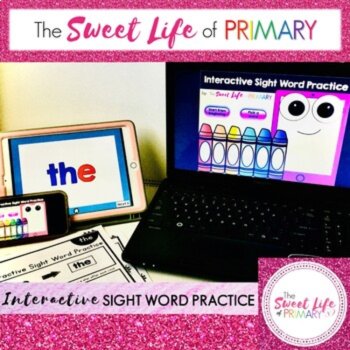
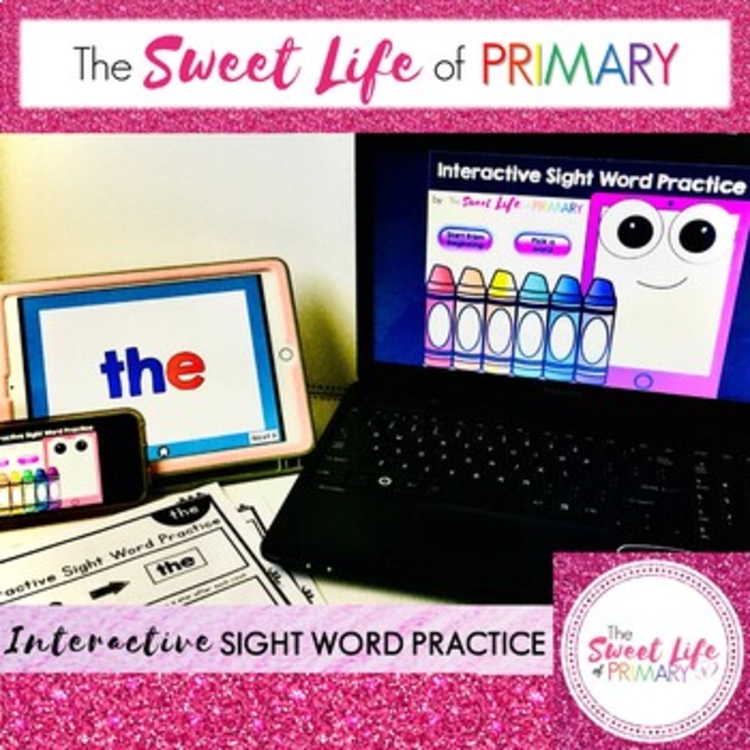
This is an interactive sight word center that follows Pearson’s myView Kindergarten high frequency word list. This resource reaches many different learning styles and offers hands on activities, as well as the opportunity for auditory, and visual learning. There is a total of 18 words included in this pack. Words included in the first bundle pack are found in Unit 1 of Pearson myView: I, am, the, like, to, a, have, is, he, my, we, make, for, me, with, she, see, look.
This is a PowerPoint file and you will not need access to the Internet. For this resource to work properly and the way it is intended to work with sound effects and self-checking, you will need to have PowerPoint; it is not compatible with Google Slides. Simply run in presentation mode and students will be able to go at their own pace while following along with worksheet. You can run this resource for whole group, using your classroom projector, small group, centers, individual, or intervention, using a computer, laptop, or tablet or iPad. You just have to be sure that the device you are using has PowerPoint.
The setup is as follows:
The presentation is self-guiding as students will click the “Next” button when they are ready to move on to the next slide. It also has self-correcting sound effects to let students know they need to try again if they have not clicked on the appropriate letter. Students can then work on the corresponding worksheet that can be printed front and back. The worksheet follows the PowerPoint show. The worksheet can be done with the PowerPoint or as a stand alone activity once they have finished the PowerPoint. They can use letter tiles, stamps, magnetic letter, or the letters provided on the paper to build their sight words. The front of the worksheet focuses on the word (the letters in the word, reading the word, building the word, and writing the word) and the back of the worksheet focuses on using the word in a sentence (reading a sentence, placing the sight word in the sentence, and then writing the sentence). This helps to reinforce capital letters at the beginning of sentences, spaces in between words, and punctuation at the end of the sentences.
There are six (6) sets of three (3) words, for a total of 18 words for Unit 1 in myView.
Report this resource to Linked Through Learning
Reported resources will be reviewed by our team. Report this resource to let us know if this resource breaks our rules.
“Great way to keep students engaged while reviewing sight words.”
“Thank you! This was great for distance learning!”
No reviews match. Try other filters.
No questions yet.
Nicole Hernandez A Teachers Idea
$6.00 (25)