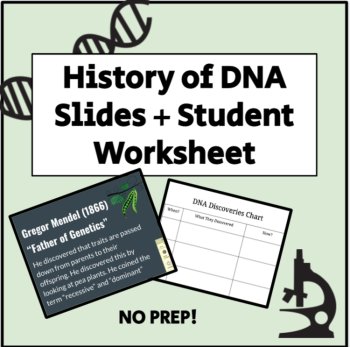
History of DNA Slides + Student Worksheet
 Ms Kiaras Science Teacher Shoppe
$4.00

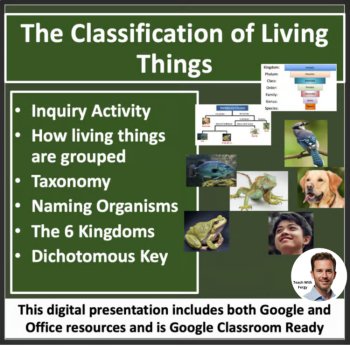
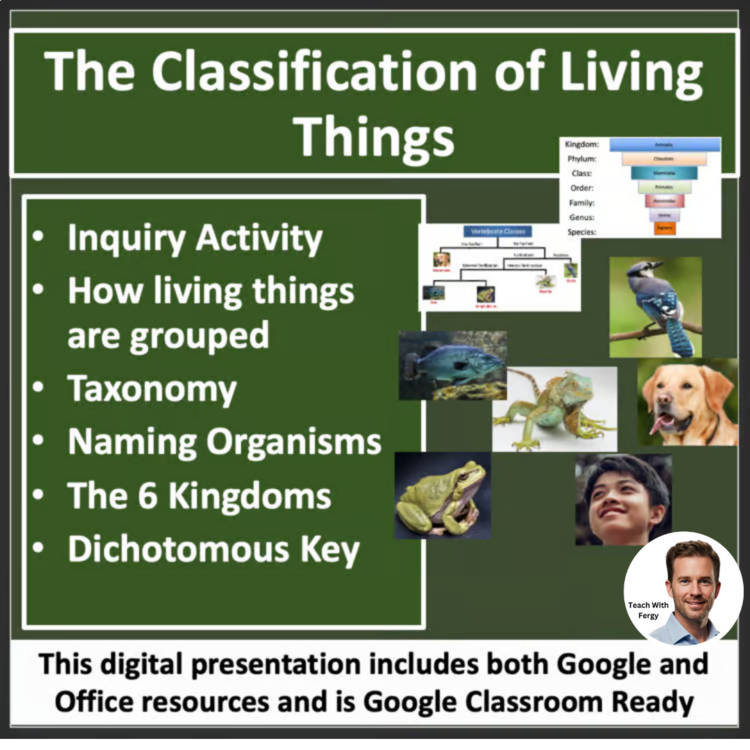
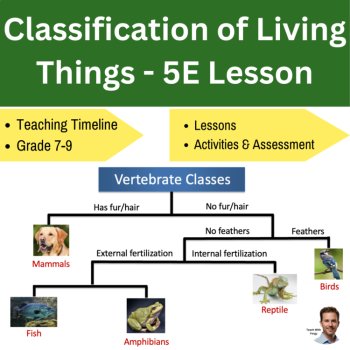
This Classification of Living Things lesson describes the 6 Kingdoms, taxonomy, how organisms are named, and ends with a description of dichotomous keys and how they're used. The lesson ends with an overview of how to create a dichotomous and an activity where the students get to apply what they have learned. The lesson includes the presentation as well as numerous activities to help with student understanding.
In order, the lesson covers:
Included in the lesson package is:
Buyer Comments:
- "Great tool to introduce concept and kept kids engaged."
- "Another good tool to use with foldables and interactive notebooks. Since I hate to use just the book, this was a great supplement, that actually lead me to not need my book this unit!"
- "Great resource..thank you so much!"
- "Thank you very much indeed for the work you've put into this project."
- "Love this! Made a great addition to going paperless this
year!"
--------------------------------------------
This lesson includes both Office and Google formats for ALL resources. The presentation is in PowerPoint and Google Slides while all documents contain Word and Google Doc versions.
Having both options allows you to use either without worrying about formatting issues as all the work has already been done for you. It safeguards you in case your department or school decides to go Google 100% and allows you as well as your students to access everything no matter where you are or what kind of equipment is being used.
--------------------------------------------
The student version of the presentation contains multiple blanks that need to be filled in throughout the lesson. These blanks are conveniently underlined and bolded on the teacher copy. I have found this to be the most effective means of keeping my students engaged and active without having them write everything out. This also leaves more time for discussion and activities.
I also have a range of assignments and lessons/units from other grade levels at my store. Please CLICK HERE to have a look around and don’t forget to follow if you like what you see.
Report this resource to Linked Through Learning
Reported resources will be reviewed by our team. Report this resource to let us know if this resource breaks our rules.
No questions yet.

Meet the Seller
Middle and High School Science Engaging Resources
I have been selling resources to middle and high school teachers for the last 15 years. During that time I've also been in the classroom so I know what works and what will help your students the most.
Canada
$18.50 $31.75 (91)