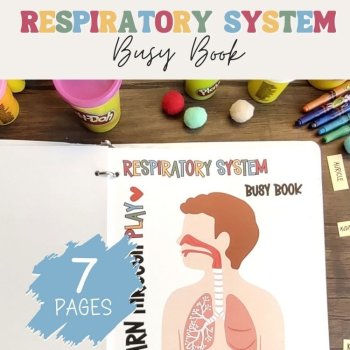
Human Anatomy Busy Book Preschool Elementary Homeschool Respiratory System
$3.50

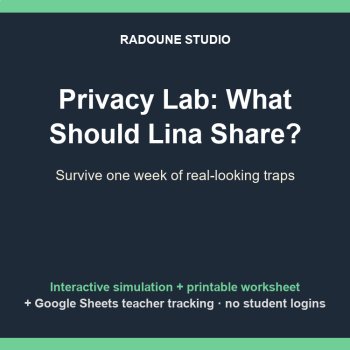
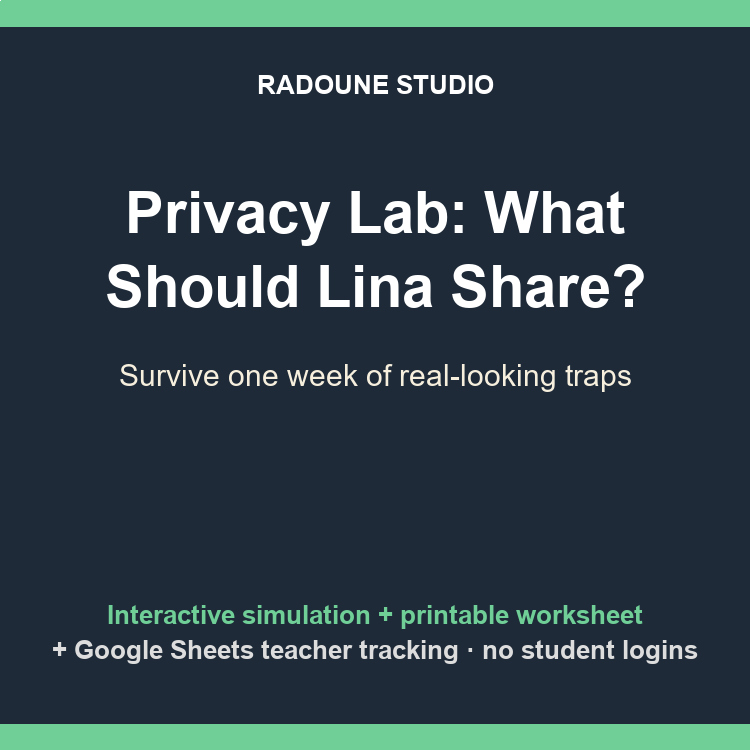
Turn digital citizenship and internet safety into a game students actually play. Privacy Lab: What Should Lina Share? is an interactive web-app simulation for Grades 4-6: students become Lina, facing a week of real-looking posts, quizzes, app permissions and game chats. Every choice earns Safety Points or springs a trap, with instant teaching feedback. Live score, auto-save, and a teacher tracking sheet - no accounts, no logins, no district IT ticket.
WHY TEACHERS LOVE THIS
Consequences, not lectures - wrong shares show exactly what a stranger can do with that one detail, then a 4-step recovery drill
Real judgement practice - one message is a LEGITIMATE school form on purpose, so kids learn calibration, not paranoia
Automatic tracking - every student lands in YOUR Google Sheet: score, progress, debrief word count, timestamps, one row per student
Auto-save - a refresh never loses a student's run
3 ranked endings (Master Detective / Apprentice Detective / Too Much Shared) replayable for a higher rank
WHAT'S INCLUDED
The web app (3 files + a 5-minute copy-paste deploy guide - no coding); it also runs offline as a plain file on any device
8 realistic scenarios: game stranger asking for your school, contest form hunting home addresses, sneaker photo framing the house number, flashlight app grabbing contacts and location, viral quiz demanding location, the fake-neighbor selfie request, a legitimate school opt-in form, and the class-photo directory problem
Printable version: student worksheet, answer key with teaching notes, teacher quick-start
Preview PDF so you can check the reading level in seconds
THE STUDENT EXPERIENCE
1. Sign in with name, school email, class period and a made-up 4-digit PIN (never a real password)
2. Open Lina's inbox: 8 moments arrive one by one
3. Choose: share, allow, send or refuse - the app scores every decision live (max 17)
4. Write a 75-word debrief (fun to share vs findable) with a live word counter; it will not submit until it is real
5. Get an ending rank + a printable report they can take home
PERFECT FOR
Digital citizenship, computer class, advisory/SEL, health, library media, sub plans, homeschool - and the Gr 4-6 gap left by our Phishing Lab (Gr 6-9). Pair them as the two halves of an internet-safety unit.
BUILT-IN FEATURES
Server-checked debrief length and submission locking · teacher mode with server-verified password, live dashboard and CSV export · paste-blocking on the reflection box · resume after crash or refresh · works fully offline on paper too.
privacy activity grades 4-6, internet safety lesson, digital citizenship simulation, cyber safety game, app permissions activity, online safety worksheet, personal information game, digital footprint activity, sub plan computer class, stranger danger online game, data privacy elementary, google sheets tracking game
Report this resource to Linked Through Learning
Reported resources will be reviewed by our team. Report this resource to let us know if this resource breaks our rules.
No questions yet.

Meet the Seller
Every resource in this store is written, designed and checked by a human - then printed or projected in a real room before it is ever listed. Expect clear layouts, low-ink printing, answer keys, teacher guides and editable files, plus free updates whenever a pack improves. The catalogue will keep growing across subjects and age bands; the promise stays the same: open it and teach. Questions are answered personally.
touggourt, Algeria