Social Distancing Learning Infographics

Free

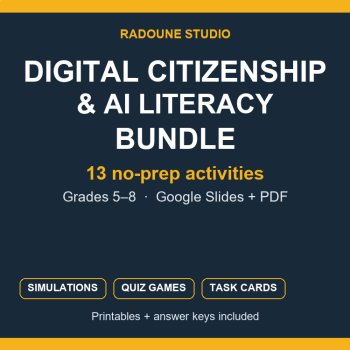
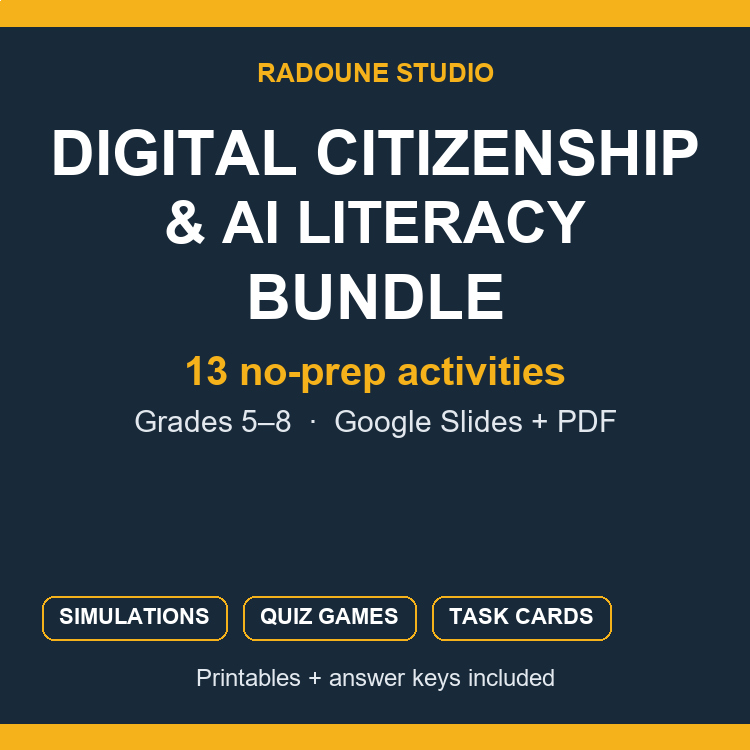
A full term of cyber-safety and AI-literacy lessons, in one place.
A student shows you a text message they are not sure about. A class has been talking about an AI chatbot at home. The district asks you to cover digital citizenship before the semester closes. You need something that runs today, with no prep. This bundle keeps all thirteen of our digital-safety and AI-literacy activities together, at less than half the price of buying them one by one.
WHAT IS INSIDE (13 listings, 325+ pages and slides)
HOW TEACHERS USE IT
FORMATS — Google Slides, editable PowerPoint, and PDF printables. Answer keys included. Grades 5-8 core, with two listings that reach down to grade 3 and one up to grade 9.
This shelf keeps growing: when we add a new digital-safety listing, it goes into this bundle. The list above and the "What's included" panel on the product page show exactly what a buyer receives today.
Report this resource to Linked Through Learning
Reported resources will be reviewed by our team. Report this resource to let us know if this resource breaks our rules.
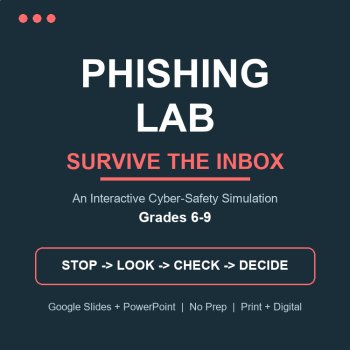
Turn cyber-safety into a game students actually play. Phishing Lab: Survive the Inbox is an interactive web-app simulation: students become "Maya" surviving a week of real-looking emails, texts and DMs. Every choice earns Safety Points or springs a trap, with instant teaching feedback. Live score, a
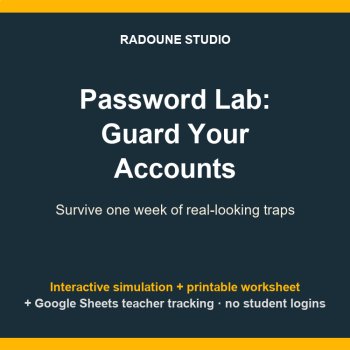
Turn password safety into a game students actually play. Password Lab: Guard Your Accounts is an interactive web-app simulation for Grades 5-8: students become Kai, surviving one week of password pressure - game setup "tips", an expired-password pop-up, a friend begging to share, a bank demanding a
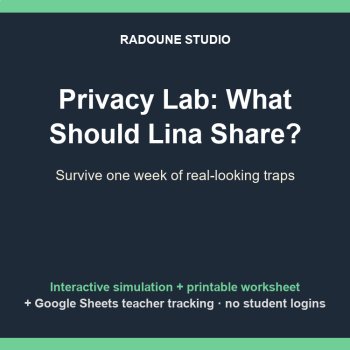
Turn digital citizenship and internet safety into a game students actually play. Privacy Lab: What Should Lina Share? is an interactive web-app simulation for Grades 4-6: students become Lina, facing a week of real-looking posts, quizzes, app permissions and game chats. Every choice earns Safety Poi
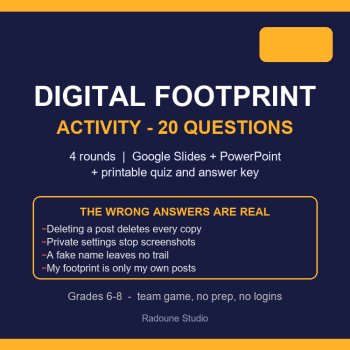
Digital Footprint Activity - 20 Questions, 4 Rounds, Grades 6-8This digital footprint activity runs a whole class in one period: twenty team questions about the trail students leave behind, each one followed by a reveal slide that explains why the best answer wins. Built for Grades 6-8, it works as
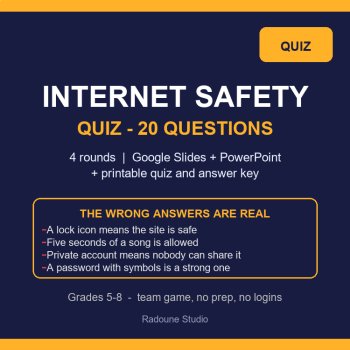
Most wrong answers in an internet-safety quiz are not silly - they are beliefs the class already holds. This Internet Safety Quiz puts those beliefs on the board: a lock icon means the site is honest, five seconds of a song is fine, a private account means nobody can share it, a password with symbol
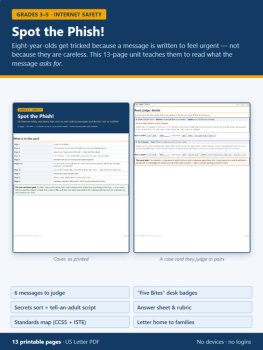
Your students can copy a logo perfectly and still fall for a fake. That is not a carelessness problem, it is a reading problem - so this unit teaches them to read what the message asks for, before they answer it.Spot the Phish! is a 13-page internet-safety unit for grades 3-5. It needs no devices, n
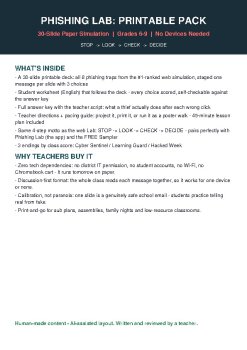
No devices. No Wi-Fi. No logins. Just a projector or a stack of paper - and the same 8 phishing traps that made the web version of Phishing Lab a #1 result for "phishing email activity" on TPT.Your class reads each message together - a fake Amazon delivery, a scary "Google alert," a V-Bucks freebie
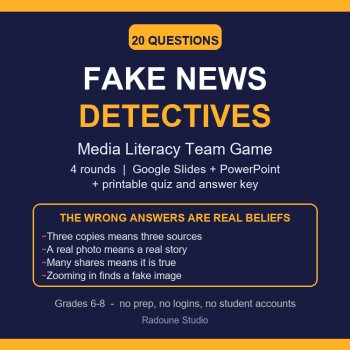
A post says the school is switching to snack-bar lunches next month. Four hundred students share it before the bell. Nobody signed it, no district is named, and there is no date it takes effect - and that is the whole lesson.Fake News Detectives is a 20-question media literacy team game for grades 6
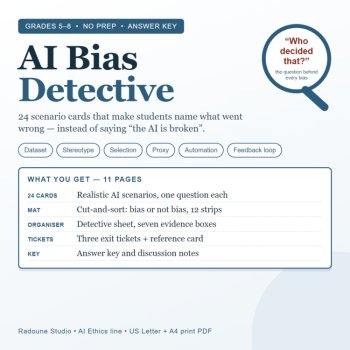
"The AI is broken" is the wrong diagnosis.Most of the time the AI is doing exactly what it was taught to do — for some people and not others. This pack gives students the words to say that out loud, and the evidence to back it up.Twenty-four scenario cards, six kinds of bias, one reference page. No
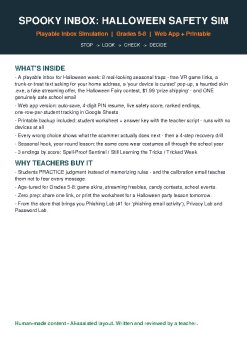
It's the week of "free" VR games, candy-map RSVP texts and $1.99 prize shipping. Spooky Inbox drops your students into Sam's inbox for one Halloween week - and every seasonal scam is waiting behind the door.This is the same playable inbox-simulation format that made Phishing Lab a #1 result for "phi
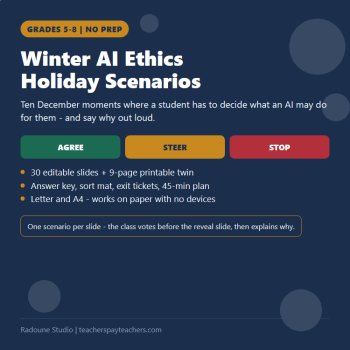
It is December. A student has just put the principal's face on a synthetic Santa and read eleven classmates' names out of it, and your class has nine minutes before the party. What do you actually say? Not a lecture about AI - a decision, out loud, with reasons.This pack is ten winter and holiday mo
Help students think critically about AI with this editable, no-prep activity set for Grades 5-8. In four ready-to-go lessons, students investigate AI bias, protect their privacy, decide who should make AI-powered decisions, and write their own class code of ethics.WHAT'S INCLUDED10 editable slides (
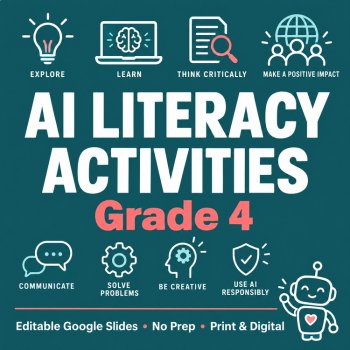
Teach AI literacy to your 4th graders with this editable, no-prep activity set. Students explore what AI is, where it hides in daily life, why AI can be wrong, and how to use it responsibly in four ready-to-go lessons (4 x 30 minutes).WHAT'S INCLUDED10 editable slides (PowerPoint + Google Slides cop
No questions yet.

Meet the Seller
Every resource in this store is written, designed and checked by a human - then printed or projected in a real room before it is ever listed. Expect clear layouts, low-ink printing, answer keys, teacher guides and editable files, plus free updates whenever a pack improves. The catalogue will keep growing across subjects and age bands; the promise stays the same: open it and teach. Questions are answered personally.
touggourt, Algeria
AI Assisted
I develop the ideas, plan the activities, and guide the creation of all resources. AI tools assist with writing, illustrations, and design. Every resource is reviewed, edited, and refined using my teaching experience to ensure quality, accuracy, and meaningful real-world learning.
$7.60 $9.50