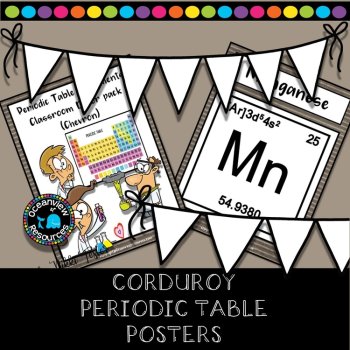
Science Posters- The Periodic Table-Brown Corduroy Design
$5.00 (1)

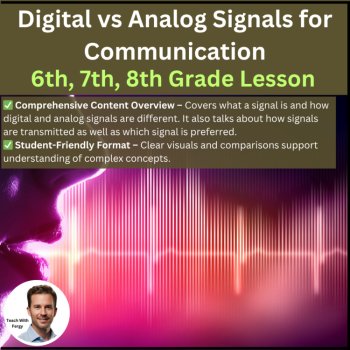
Digital vs Analog Signals for Communication Lesson | 6th, 7th, 8th Grade | WiFi
$4.97 $4.47
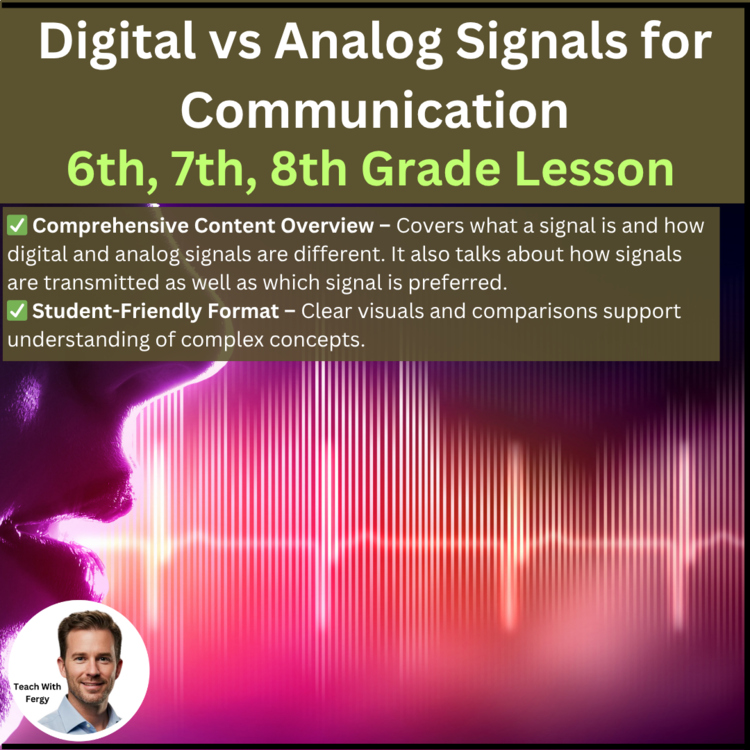
Add to cartThis lesson on Digital vs Analog Signals for Communication covers what a signal is, how digital and analog signals are different, how signals are transmitted, and which signal is preferred.
✅ Full Lesson Coverage – This lesson covers what a signal is and how digital and analog signals are different. It also talks about how signals are transmitted as well as which signal is preferred.
✅ Ready-to-Teach Format – Teacher and student presentation, student handout, and 8 embedded educational videos
✅ Designed for Active Learning – Fill-in-the-blank note-taking supports classroom discussion and participation
✅ Time-Saving & Flexible – All set to go. Just download and present.
This package includes the lesson (student and teacher versions of the presentation), TWO embedded videos, a 4-question auto-graded Exit Ticket, and a student lesson handout as a document. The presentation is fun and applicable with many opportunities for inquiry-based learning and discussion.
In order, the lesson covers:
Included in the lesson package is:
The student version of the presentation contains multiple blanks that need to be filled in throughout the lesson. These blanks are conveniently underlined and bolded on the teacher copy. I have found this to be the most effective means of keeping my students engaged and active without having them write everything out. This also leaves more time for discussion and activities.
Google and Distance Learning Ready
Having both options allows you to use either without worrying about formatting issues as all the work has already been done for you. It safeguards you in case your department or school decides to go Google 100% and allows you as well as your students to access everything no matter where you are or what kind of equipment is being used.
I also have a range of assignments and lessons/units from other grade levels at my store. Please CLICK HERE to have a look around and don’t forget to follow if you like what you see.
Report this resource to Linked Through Learning
Reported resources will be reviewed by our team. Report this resource to let us know if this resource breaks our rules.
No questions yet.

Meet the Seller
Middle and High School Science Engaging Resources
I have been selling resources to middle and high school teachers for the last 15 years. During that time I've also been in the classroom so I know what works and what will help your students the most.
Canada