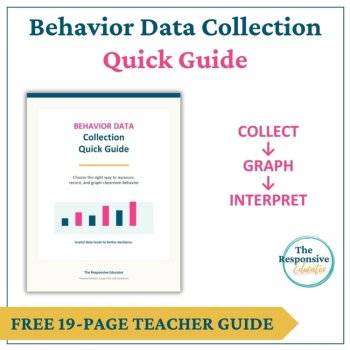
Collect Behavior Data - How To - Data Collection for Behavior Quick Guide

Free (2)

Does staff information live in five different places at your school?
Attendance is on one sheet, duties are in an email, training sign-ups are in a folder, and notes from a hard conversation are in your head. Then a parent, a district office or a staff member asks, “Can you show me what happened and when?” You spend an hour piecing it together, and you still aren’t sure it’s complete.
This tracker puts all of it in one organized workbook, so you can answer in about a minute.
If any of these sound familiar, this is for you:
✔ “I know someone was late a lot this month, but I can’t say how many times or by how many minutes.”
✔ “I assigned that duty three weeks ago. Did it get done?”
✔ “I need to know who still hasn’t completed the required safety training.”
✔ “I had a follow-up conversation with a staff member, and I can’t find my notes or the date.”
✔ “I only remember the problems. I never write down when staff go above and beyond.”
✔ “A staff member asks about my notes on them, and I’m nervous because they’re scattered and not factual.”
✔ “Monthly reports take me an entire afternoon.”
How it helps
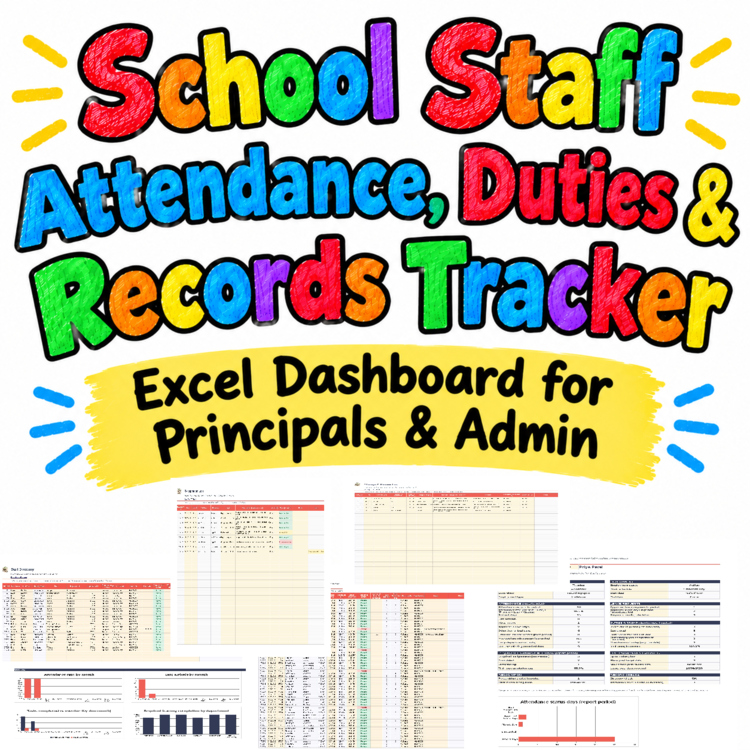
What’s inside (14 tabs): Start Here guide, Settings, Staff Directory (up to 150 staff), Attendance Log, Leave & Absence Log, Duty & Task Log, Conduct Records (restricted), Recognition Log, Meetings & Training, Action Plan Tracker, Staff Summary, Administration Dashboard (12 key numbers and 6 charts), Printable Reports, Change & Review Log.
Built to be fair, not punitive
There are no staff scores, no rankings and no “worst employee” lists. Dashboard numbers are totals and trends for the school, and flags are prompts for a conversation, not conclusions. A blank time is never counted as zero or as late. Conduct records feed nothing on the dashboard or the general reports.
Easy to start
Please note
You’ll receive: 1 sample workbook (.xlsx), 1 blank workbook (.xlsx) and 1 preview PDF.
⭐ A quick review after you’ve used it helps a small store more than you know. Thank you for supporting Koco Kyo!
Report this resource to Linked Through Learning
Reported resources will be reviewed by our team. Report this resource to let us know if this resource breaks our rules.
No questions yet.

Meet the Seller
Learn. Play. Create. Educational Games, Interactive Activities & Teacher Trackers
Koco Kyo creates engaging educational games, interactive digital activities, printable worksheets, and practical classroom trackers that make learning more engaging and help teachers organize student progress. Explore phonics and literacy games, math activities, skill-building resources, and easy-to-use Excel and Google Sheets trackers designed for classroom practice, learning centers, intervention, and independent learning. From playful games to practical teaching tools, Koco Kyo helps teachers bring learning to life.
DZ